I'm not a big fan of Windows File Explorer in recent versions (preloading or not)...
The search and core file operations (open/move/copy) aren't what they used to be, especially with media.
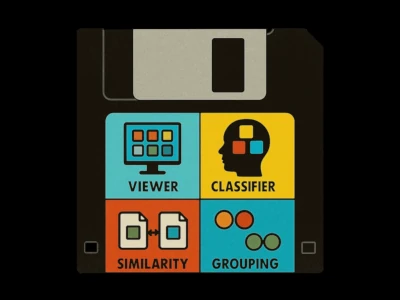
So I built a small tool to parse and move media files, dubbed Polythene Pam (Parse-And-Move). When it grew to four features, it became Fab4.
In the next sections, I'll introduce and describe the four features.
Viewer
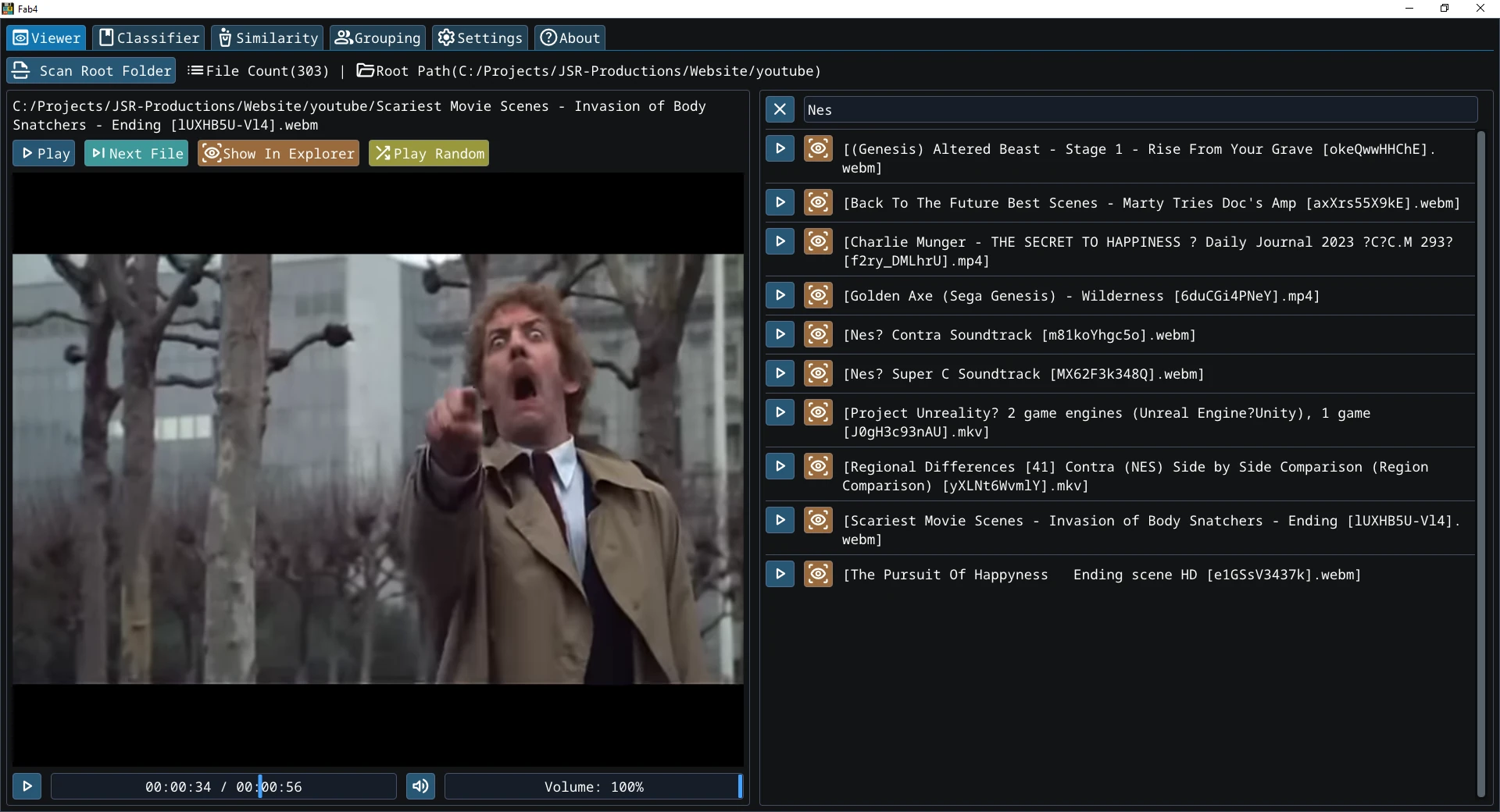
A simple media viewer (very simple compared to VLC) that scans your selected folder (and its subfolders) with quick playback and filtered search.
I mainly use this for my website: when a YouTube video disappears, I use the video ID (e.g. www.youtube.com/watch?v=dQw4w9WgXcQ) to find my local copy and swap with a similar video.
Classifier
Classifier originally the Parse and Move tool "Polythene Pam" and the first feature of this app.
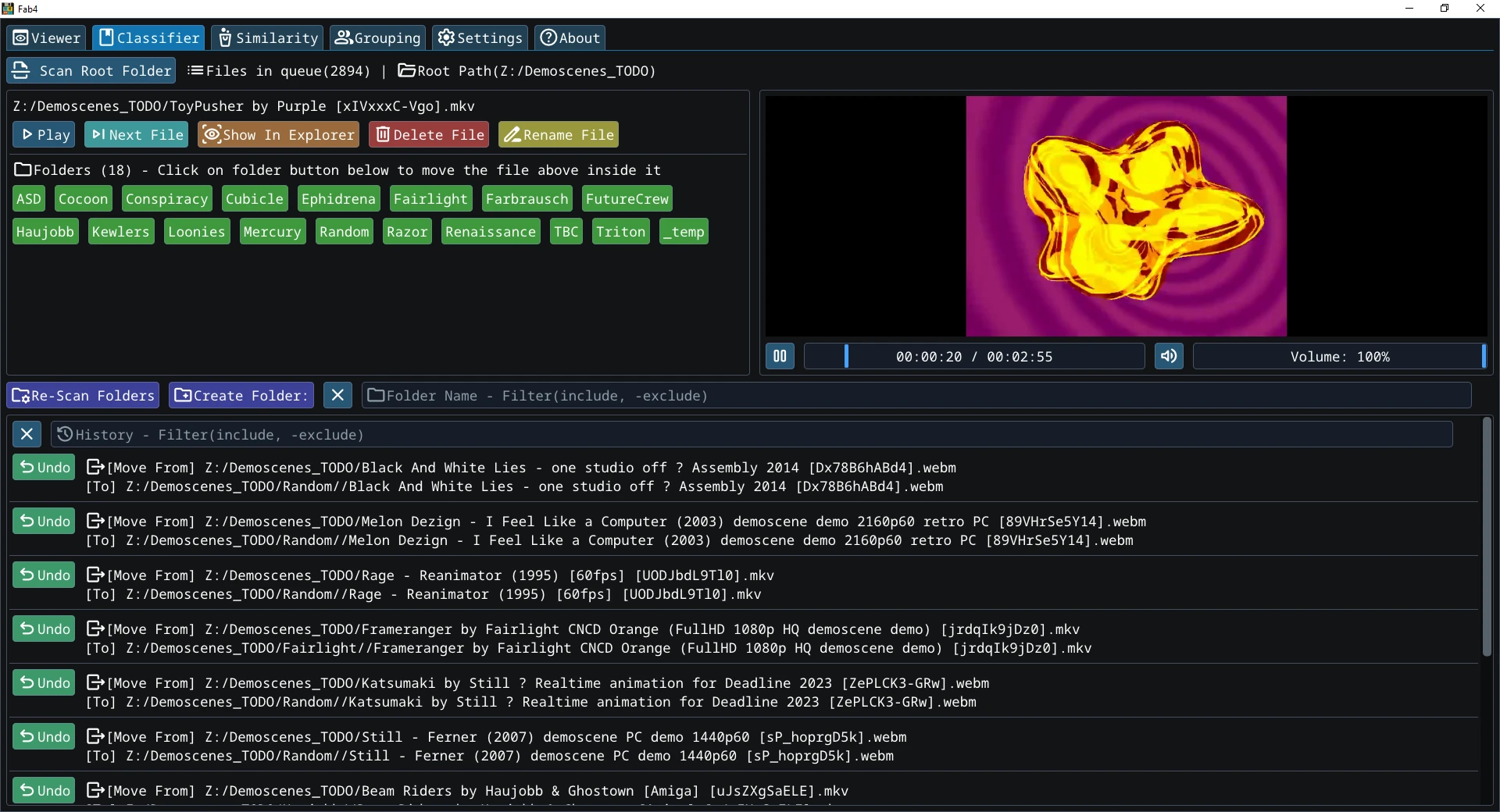
This feature lets you classify your media. Pick a folder and the app parses only its top level (no subfolders).
From there, you can play / preview items, move them (create subfolders as needed), rename, or delete files, all within the folder.
Similarity
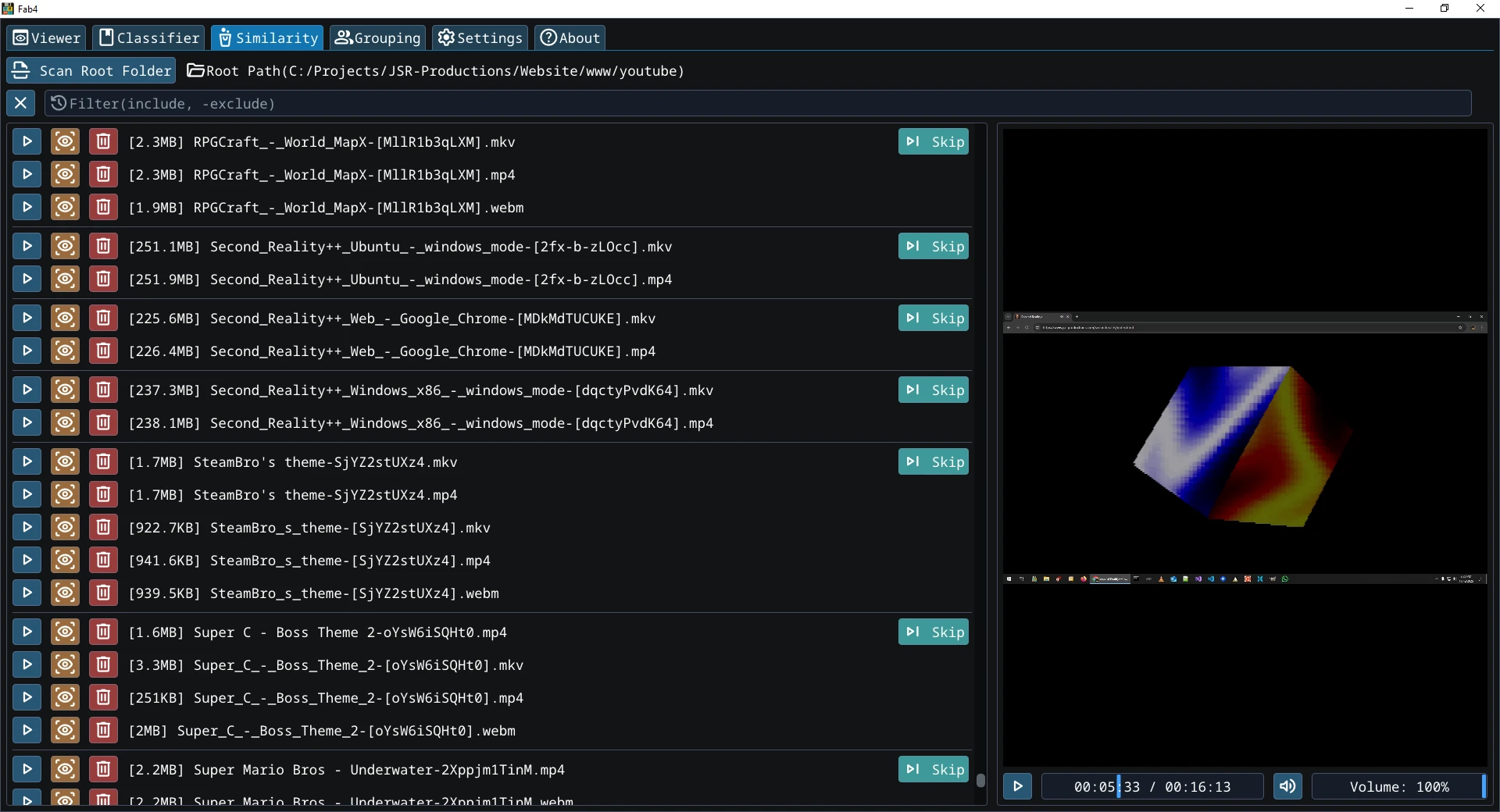
This feature recursively scans a folder and detects likely duplicates by parsing platform IDs / tags in filenames (e.g. YouTube, X / Twitter, etc.).
It normalizes titles and extensions (MP4 / MKV / WebM,...) and groups items that share the same ID.
It does not compare audio / video content. If you need content level dedupe (same file, different name), use Filelander!
Grouping
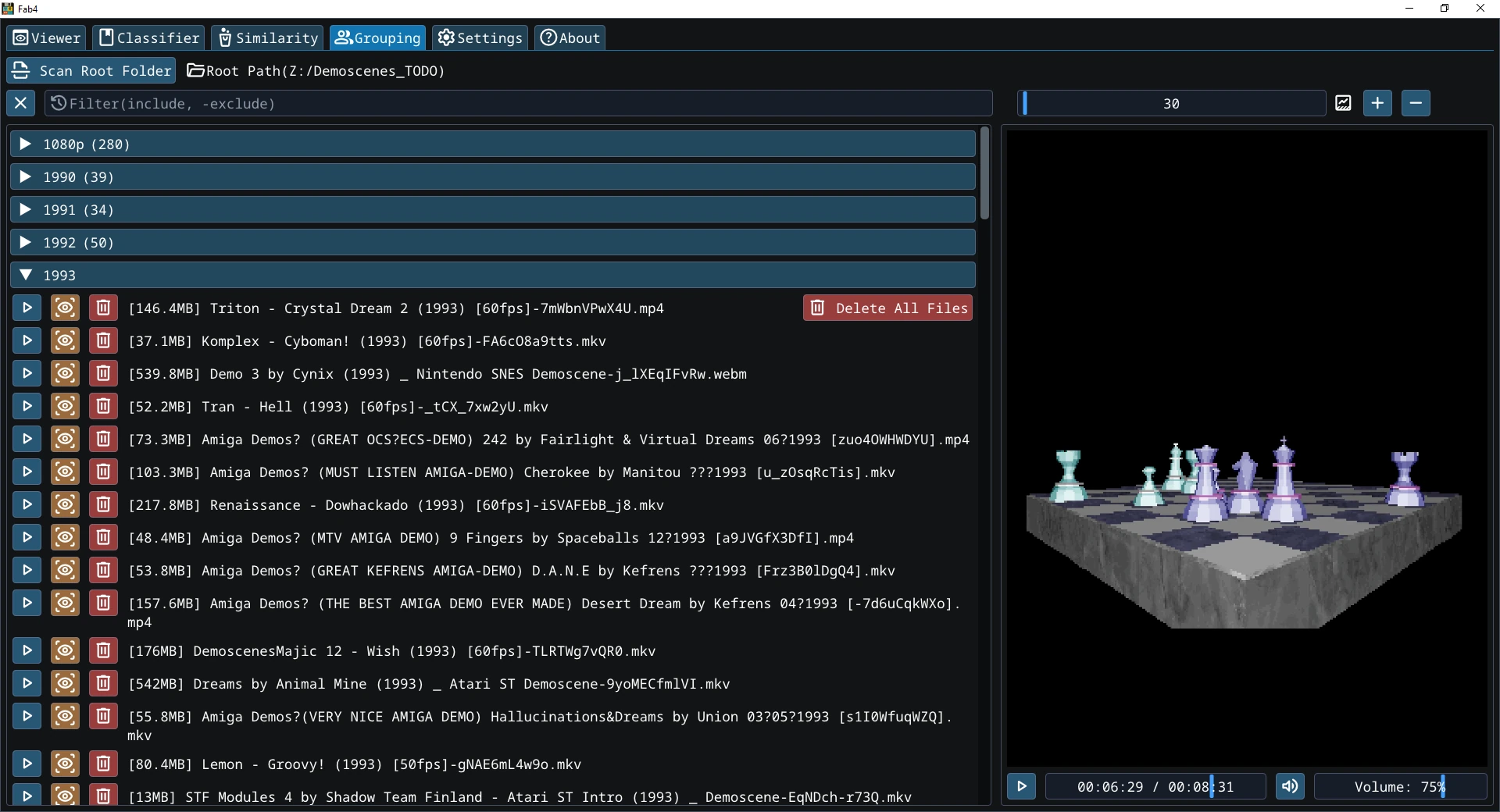
Recursively scans the root folder and all subfolders, splits filenames into words / tags, and groups files by those tags (e.g. cat dog.txt -> groups cat and dog).
You can delete all files in a group (efficient but use with care).
Download
Fab4: An app that acts as a viewer, classifier, video similarity checker, and grouping tool for your media.